Application Deployments
Overview
The "Deployments" section further enables the management and deployment of API-driven applications.
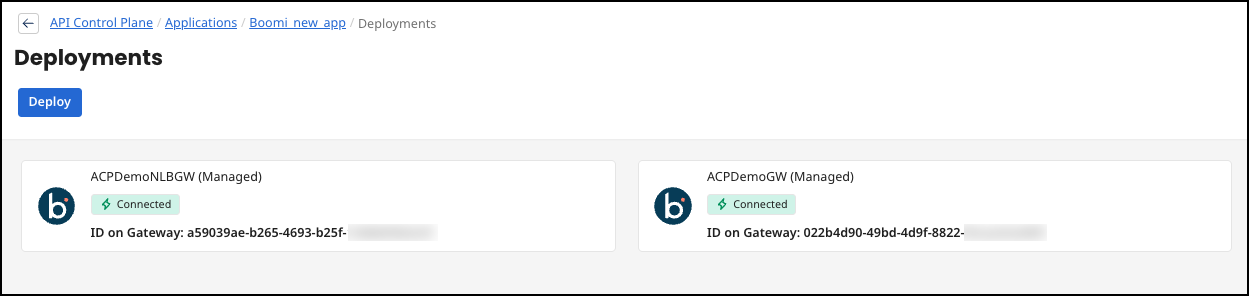
Deployments of the API
The primary focus is on the production environment. This signals the stage of development the application is in and provides a gateway for managing live services.
Below this header, a customizable tag for each Deployment serves as a quick visual reference for users navigating through multiple deployments.
Adjacent to the tag, a box outlines a deployment descriptor, "No Agent," which suggests that the current deployment does not have an active agent assigned to it. An agent in this context could be a service or a module that performs actions on behalf of the deployment, such as monitoring or traffic management.
Further details are provided in the form of a unique identifier for the gateway: This identifier is essential for tracking and managing specific deployments, especially when dealing with numerous instances across different environments.
The "Deploy" button initiates the deployment process or updates the current deployment state. To deploy an Application, it must be subscribed to.
